
How-to · Updated October 4, 2026
Check whether your Google ad is showing, without searching for it
Updated October 4, 2026
5 minutes
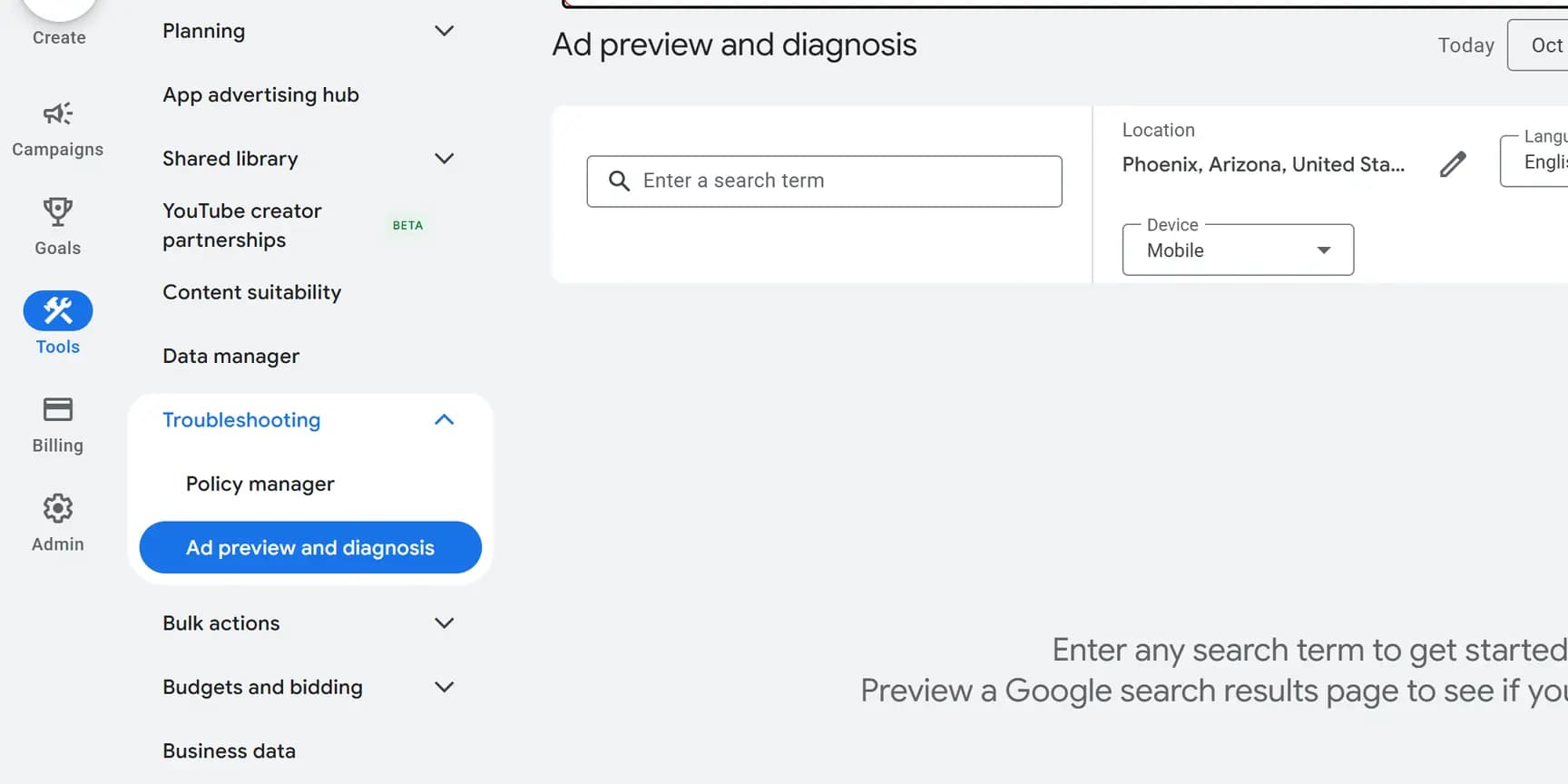
Use the Ad preview and diagnosis tool under Tools, not a Google search. Type the search a customer would use, set the location to a town you serve, and the tool shows the results page or the reason your ad is missing. Googling your own ad adds impressions without clicks, and Google may stop showing it to you.
Before you start
- A login to the Google Ads account.
- Two or three searches your customers really use, in their words: the service and a town, such as "water heater repair Mesa". The search terms report lists real ones.
Run a preview
Preview from a town your customers search from, not from your office: an ad shows to people in the locations it targets, so a search from elsewhere can miss it.
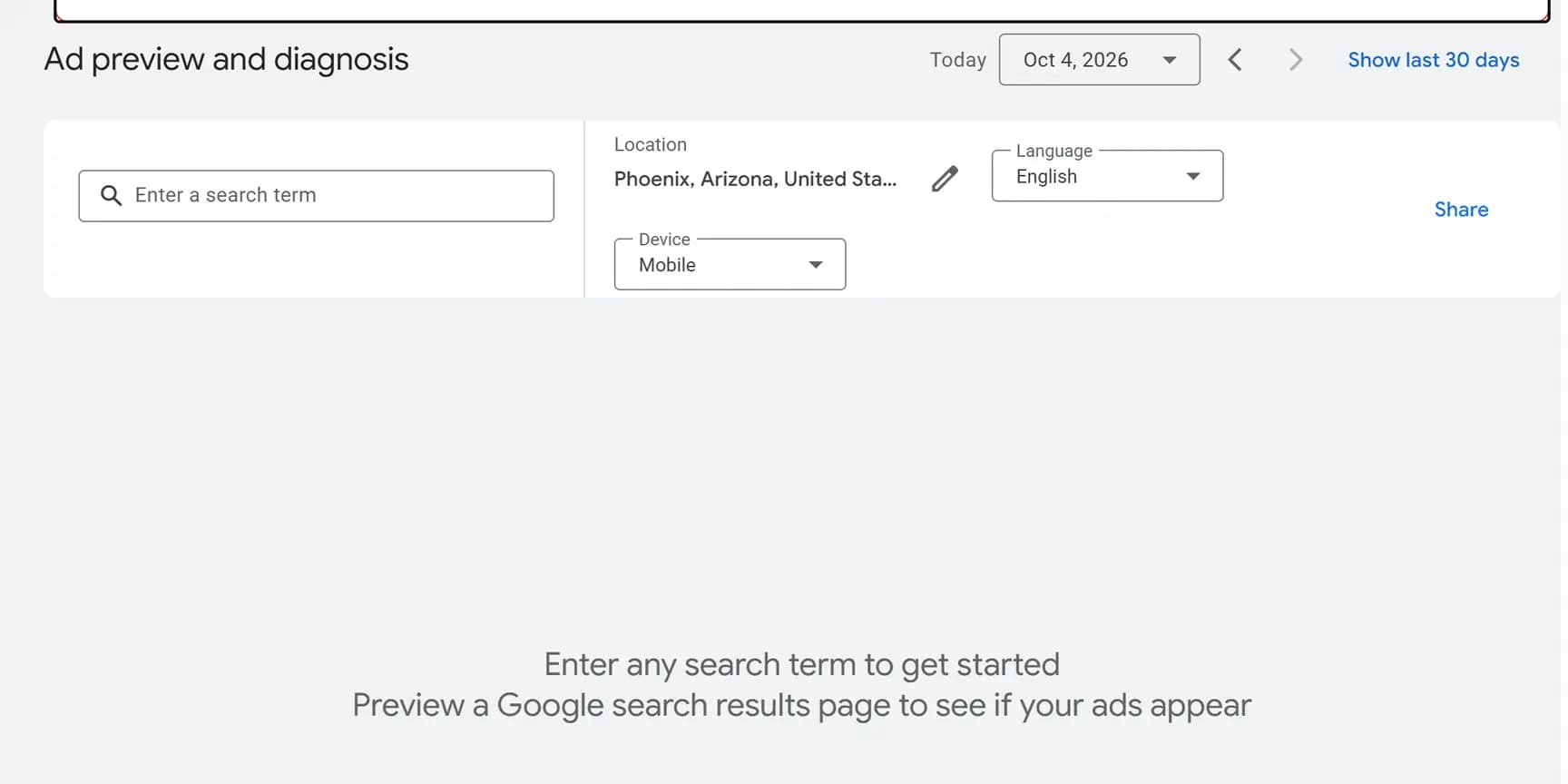
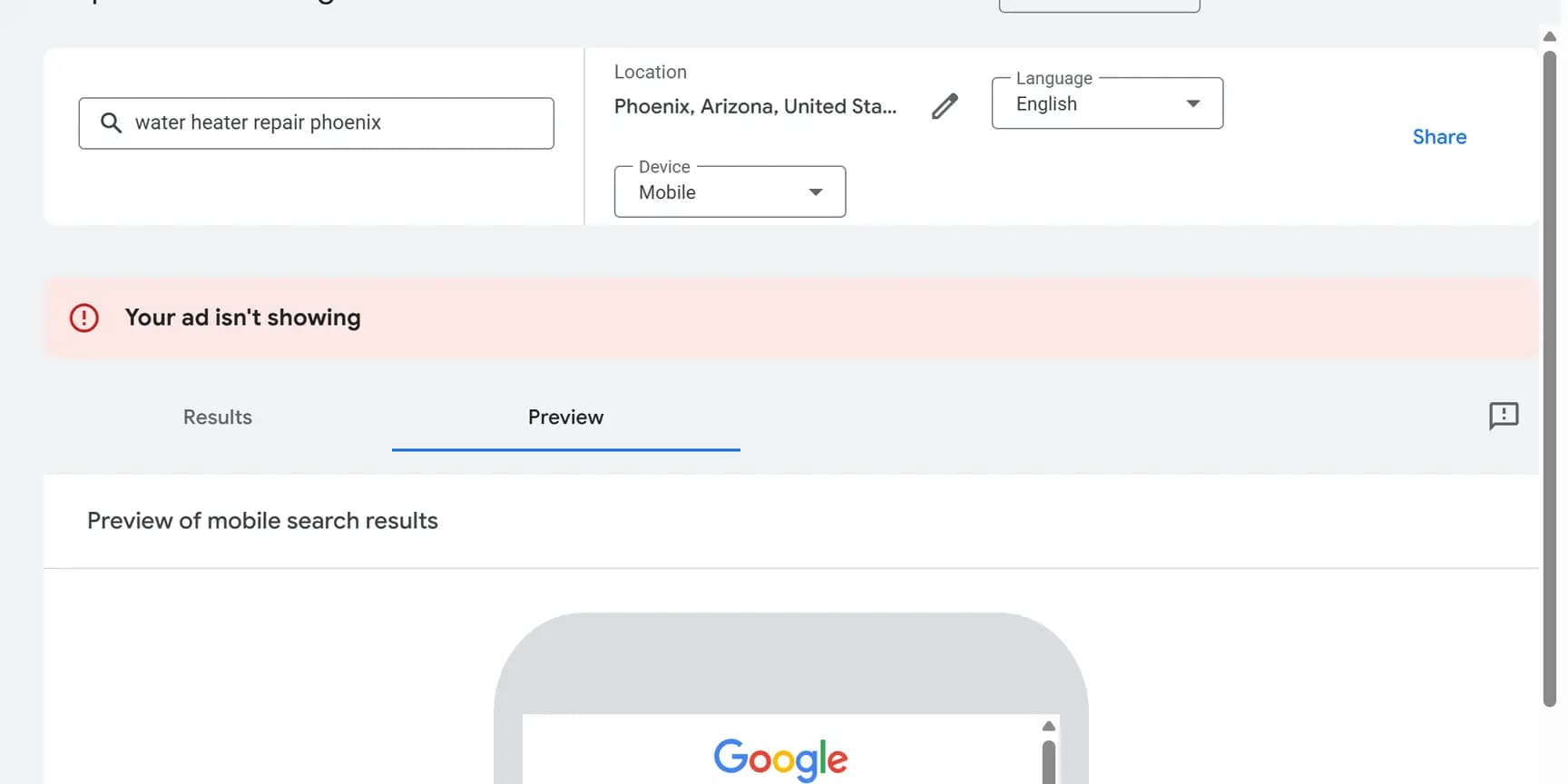
If your ad appears, it is eligible for that search with those settings. If it does not, a red Your ad isn't showing banner appears and the Results tab gives a diagnosis, which is sometimes Reason unknown. Google notes the tool may not reflect all campaign activity.
Check it worked
Run each of your two or three searches. Each one should show your ad, or a diagnosis of why it is not showing.
A useful extra test: run one from a town you do not serve. If your ad shows there too, your location settings probably reach further than you meant.
The preview can change during the day: once a campaign has spent its average daily budget, the ad may stop appearing in the tool. To send someone the exact preview you are looking at, use Share.
Why searching for your own ad on Google hurts it
Every time your ad appears on a search you make and you do not click it, Google counts an impression with no click. Google says that can lower your click-through rate and stop your ad appearing as often as it should.
Do it often enough and you may stop seeing the ad at all, because Google stops showing people ads it thinks they are not interested in. The ad can still be running for everyone else, which is why the preview tool is the safer check.
If the tool says your ad is not showing
Rule these out first. The first two are Google's suggestions for Reason unknown.
A recent bidding change. After switching bid strategy, the campaign spends a while calibrating.
Little search history. A dash in the Quality Score column, or low search volume, means the tool may not be able to simulate the keyword. Google suggests Keyword Planner to find higher-volume keywords, and a look at your keyword match types.
The account itself. Ads do not run while the account is in billing verification or temporarily suspended, for example after a security problem.
A brand new ad. Most ads are reviewed within 24 to 48 hours. On a new account, or for image and video ads, review can take up to 5 business days.